

NVIDIA Profile
My settings from the NVIDIA App / NVIDIA Control Panel — tuned for low latency, maximum visibility and stable frames.
Section 01
Screenshots
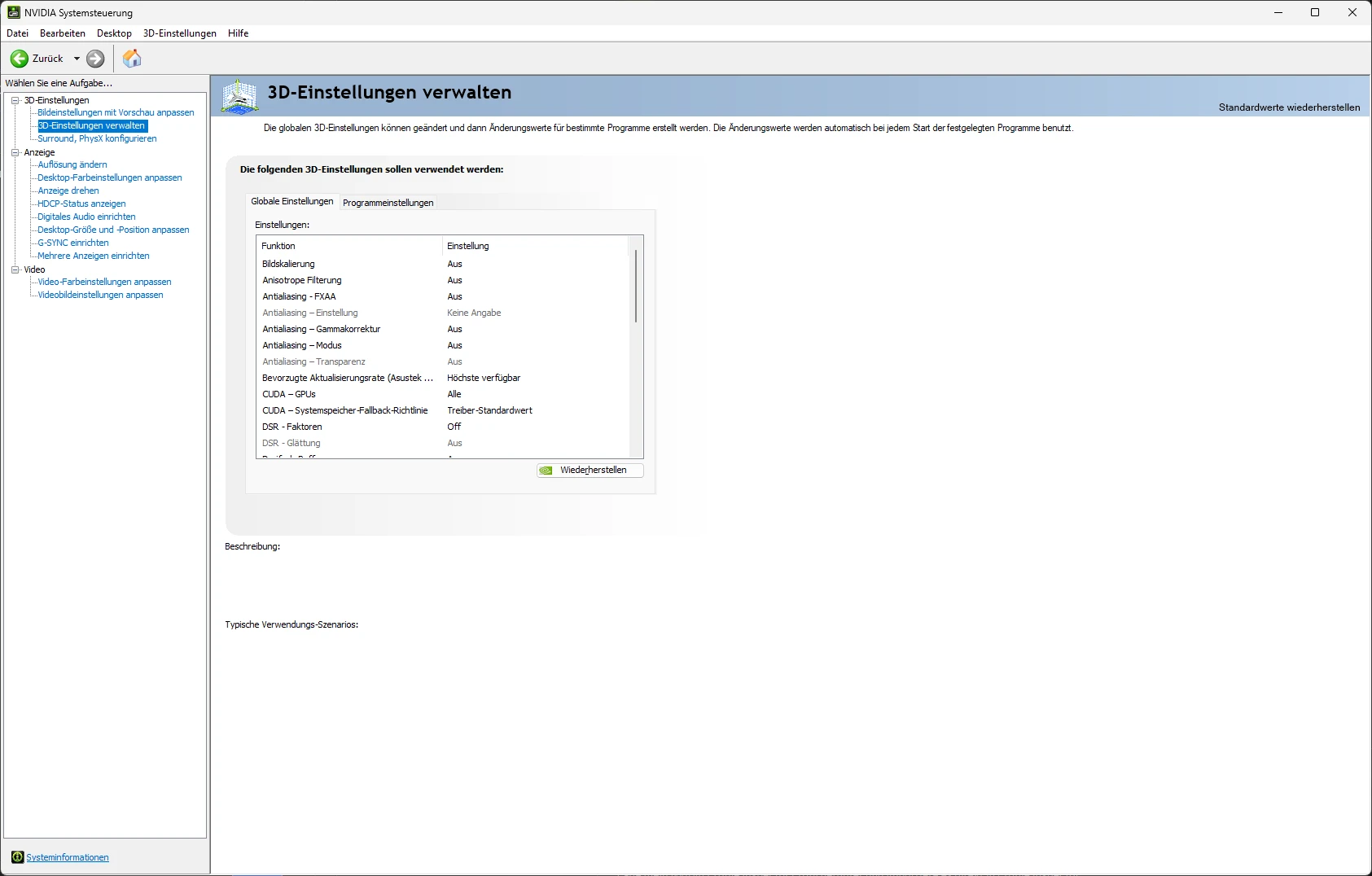
Most of the changes and optimizations are included in the .nip file.
Section 02
.nip file
Download my NVIDIA Profile Inspector profile and import it directly into Profile Inspector:
Disclaimer: Using this profile is at your own risk. I take no responsibility for any damage, system instability, performance loss or other issues that may result from applying these settings. Always back up your current profiles before importing.
Section 03
Download Profile Inspector
NVIDIA Profile Inspector is an open-source tool for Windows that lets you dig deep into the NVIDIA driver's 3D profiles. It shows all the hidden settings not visible in the normal NVIDIA App or Control Panel — e.g. SLI compatibility bits, frame limiting, ambient occlusion or power management flags. It lets you import, export and tweak profiles per game without being limited by the NVIDIA App's interface.
Download NVIDIA Profile Inspector